
Tutorial
How do I create an
account on AnyShift?
Follow these simple steps to get started. It only takes a few minutes.


Download the app
Download the AnyShift app for free from the App Store or Play Store. The app is available for iPhone and Android.
Takes 1 minuteCreate your account
Register with your email address and fill in your basic details: your personal information (name, date of birth), your official address and your contact details (phone and email). Tip: make sure your name matches your ID card.
Takes 2 minutes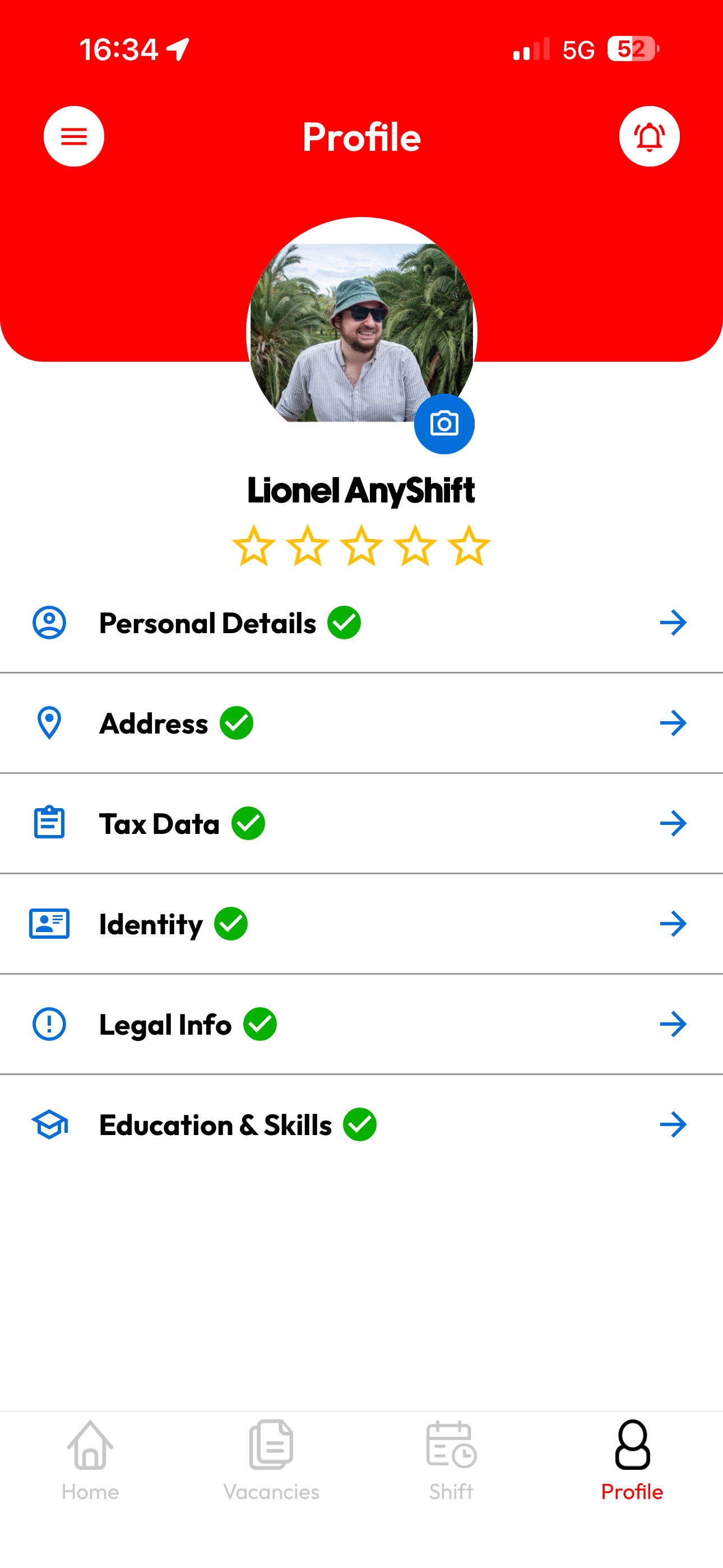
Student certificate
Are you a student? Then upload your Student@work certificate. This document proves how many hours you may still work at reduced social contributions. You can easily download it from the Student@work website.
Required for studentsFlexi certificate
Do you want to work as a flexi-jobber? Upload proof that you are eligible: you work at least 4/5 with another employer, or you are retired. Without this proof we cannot register you as a flexi-jobber.
Required for flexi-jobbersID card & bank card
To pay and register you correctly, we need a clear photo of the front and back of your ID card, plus your account number so your wages can be deposited. Your data is processed securely and used only for administration and payment.
Crucial for paymentWait for approval
After completing your profile, our team checks your details. This way we guarantee the quality and safety of the platform. You will receive a notification as soon as your profile is approved.
1 to 2 weeks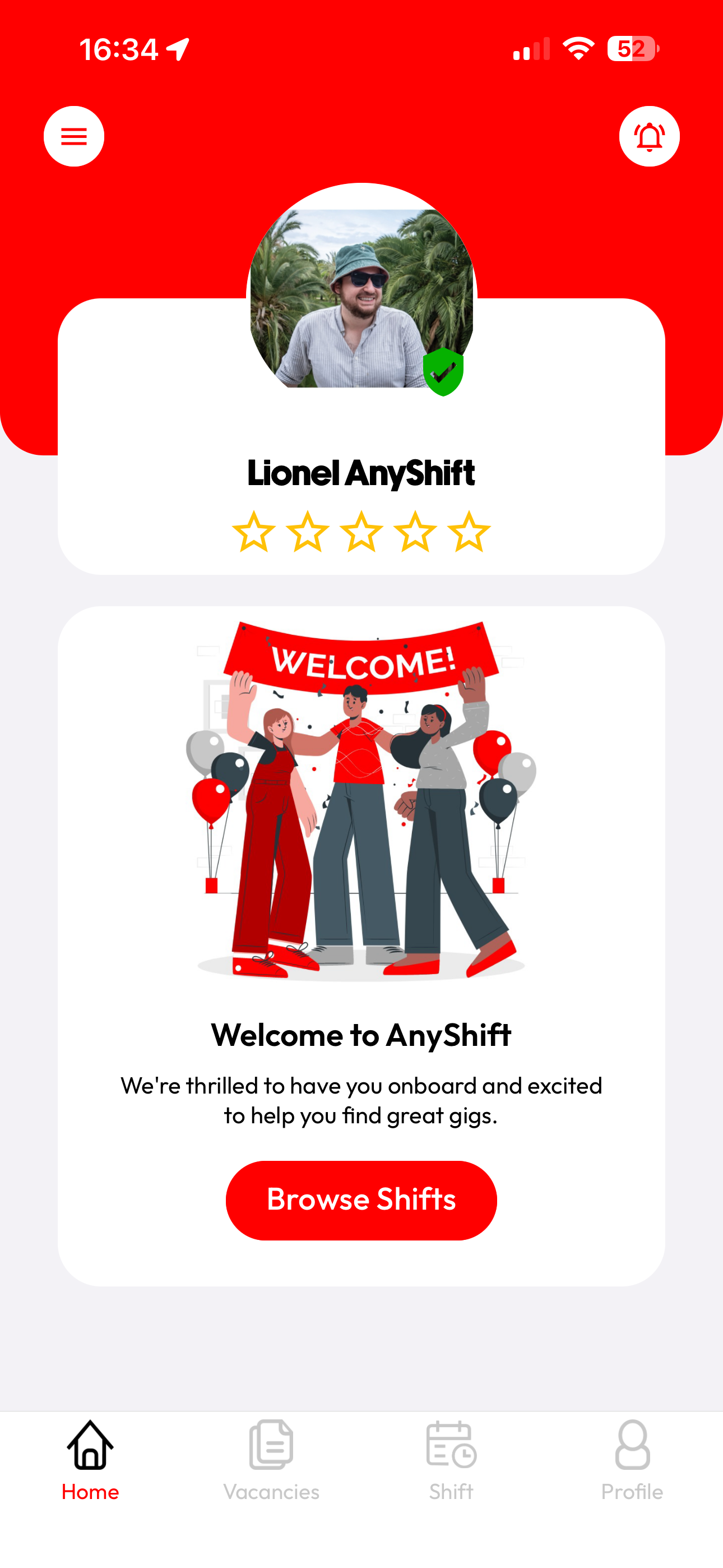
Start working
Your profile is approved! Now you can book shifts and earn extra. Go to the Jobs tab to see available shifts. Tip: turn on your notifications so you never miss a shift.
After approval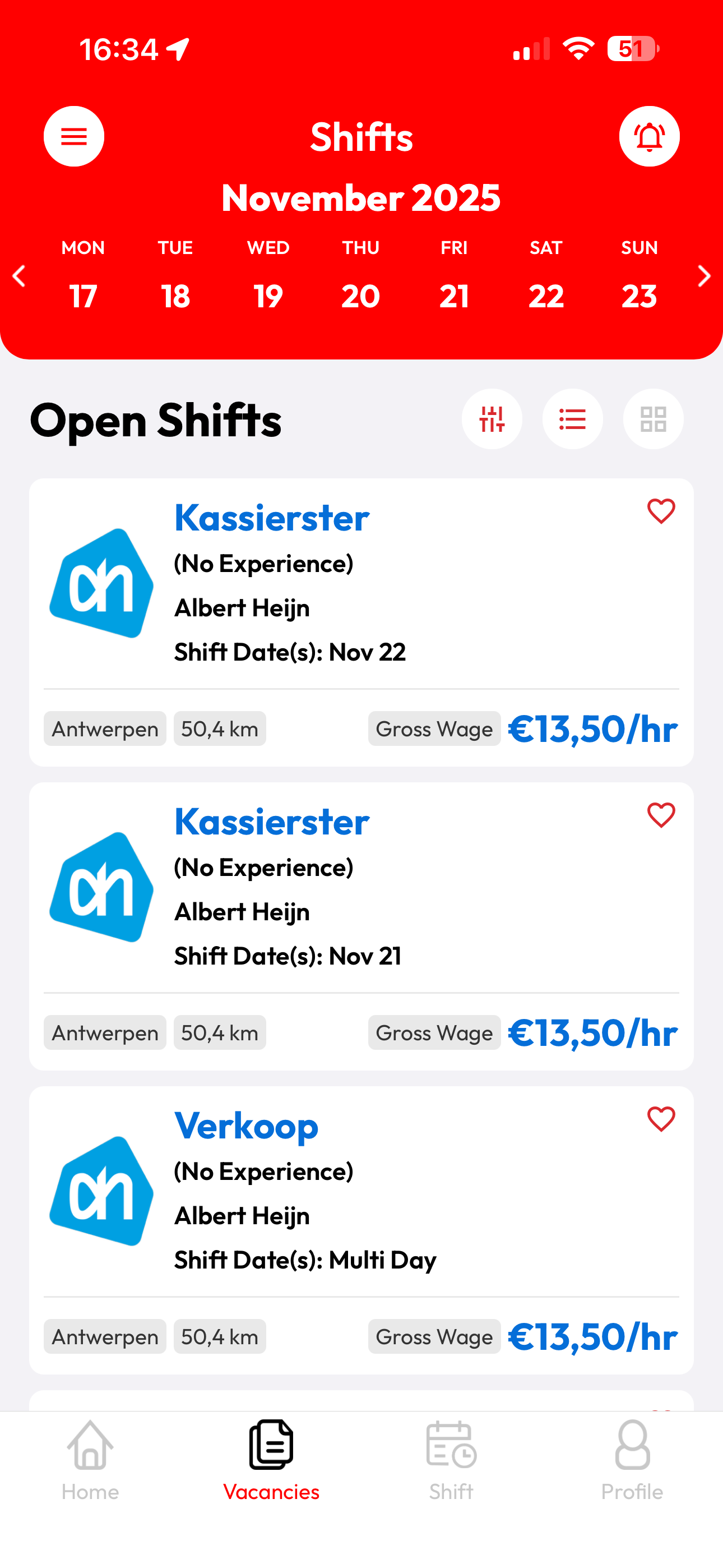
Ready to get started?
Register for free as a shifter and download the app to book your first shift.