How to create an account on AnyShift?
Follow these simple steps to get started
Swipe for the next step
1
Download the app
Download the AnyShift app for free from the App Store or Play Store. The app is available for iPhone and Android.

2
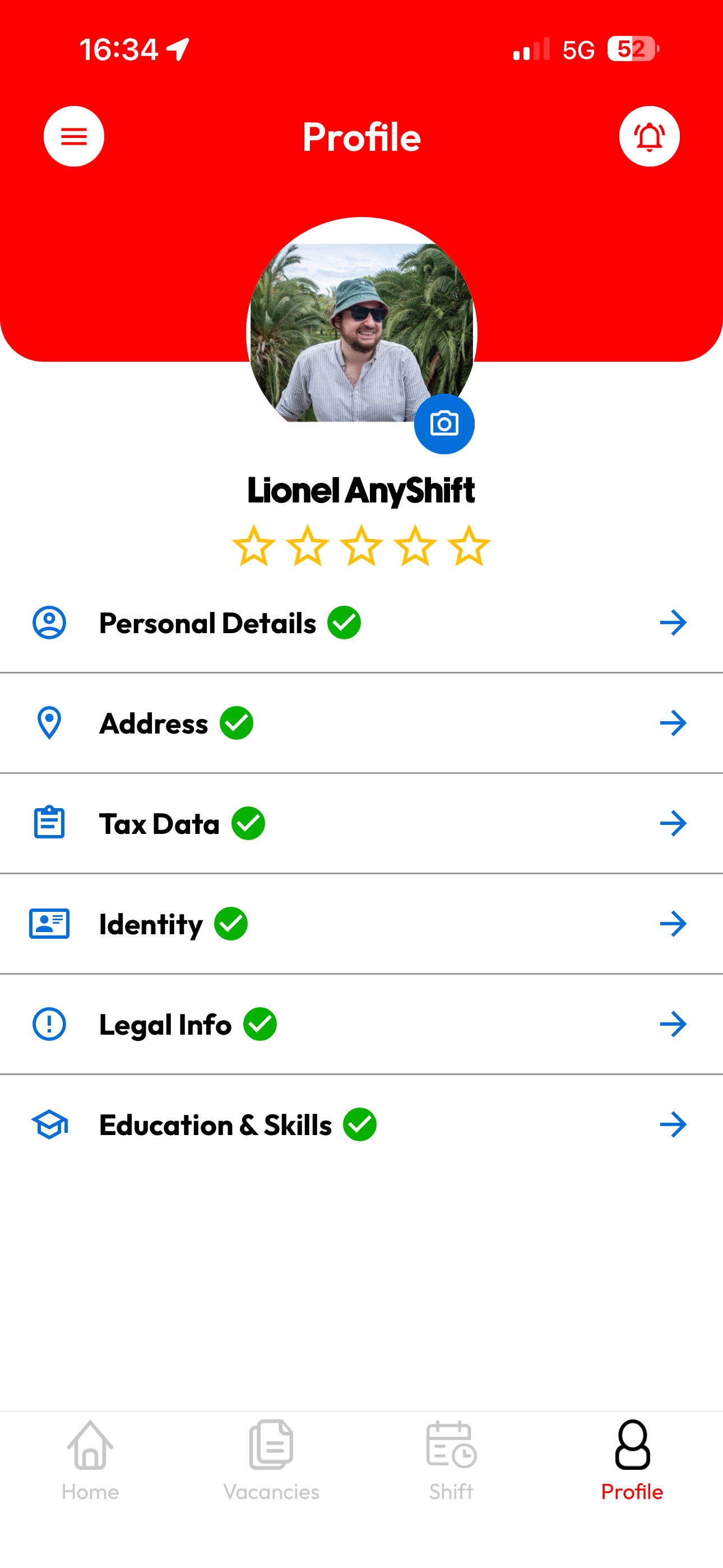
Create your account
Sign up with your email address and fill in your basic information:
- Personal data - Name, date of birth
- Address - Your official residence
- Contact - Phone number and email
💡 Tip: Make sure your name matches your ID card.
⏱️ Takes 2 minutes
3
Student Certificate
Are you a student? Then upload your Student@work certificate. This document proves how many hours you can still work at reduced social contributions.
You can easily download this certificate via the Student@work website.
⏱️ Mandatory for students
4
Flexi Certificate
Do you want to work as a flexi-jobber? Upload proof that you are eligible:
- You work at least 4/5ths for another employer
- Or you are retired
ℹ️ Info: Without this proof, we cannot register you as a flexi-jobber.
⏱️ Mandatory for flexis
5
Identity Card & Bank Card
To be able to pay and register you correctly, we need the following:
- Identity card: A clear photo of the front and back.
- Bank card/Account number: So that your salary can be paid.
🔒 Security: Your data is processed securely and used only for administration and payment.
⏱️ Crucial for payment
6
Wait for approval
After filling in your profile, our team verifies your data. We do this to guarantee quality and security.
📱 You will receive a notification as soon as your profile is approved.
⏱️ 1-2 weeks
7
Start working
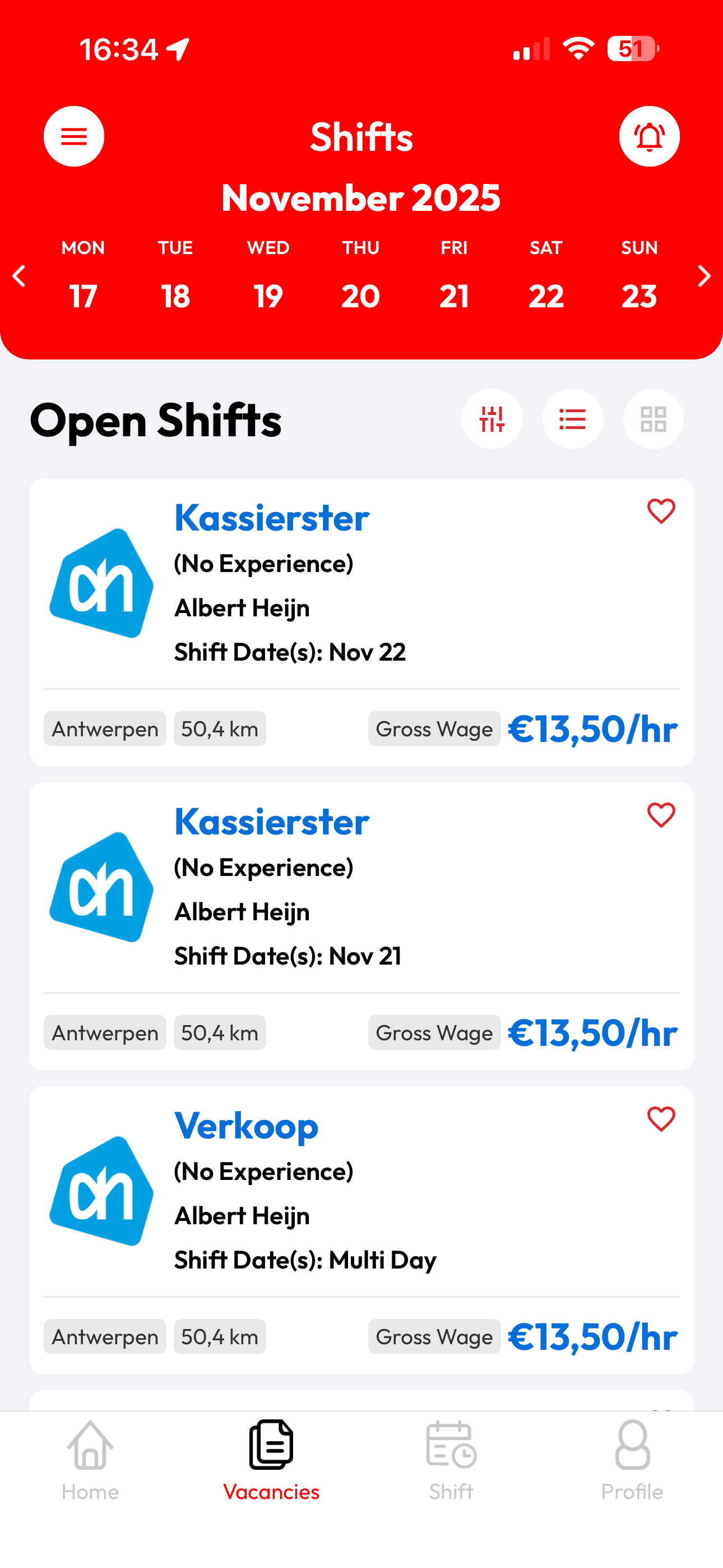
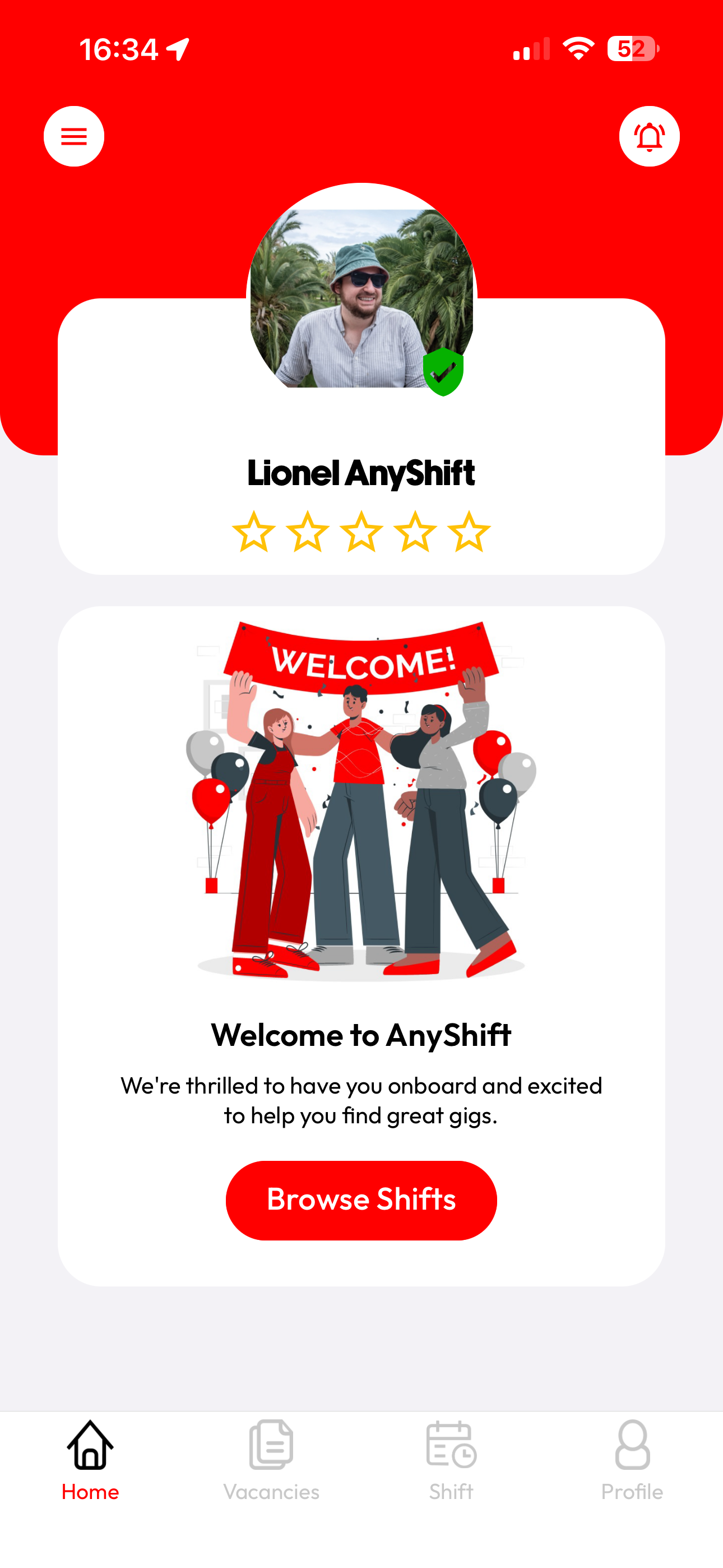
Your profile is approved! 🎉 You can now book shifts and earn extra income. Go to the Offers tab to see available shifts.
🚀 Tip: Turn on your notifications so you don't miss any shifts!
⏱️ After approval